 Cart is empty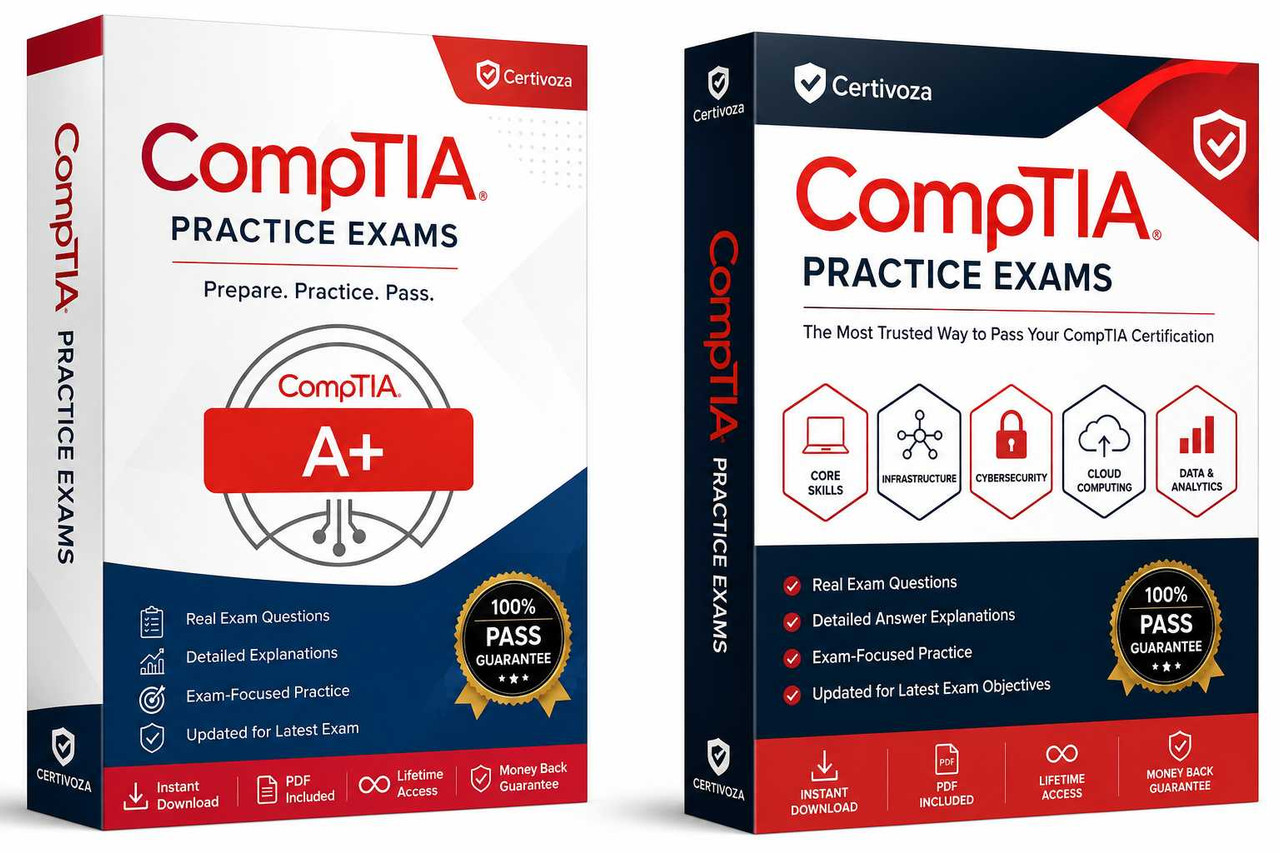
Description
Certification Overview
The CompTIA A+ Core 2 (220-802) Practice Exam is designed for aspiring IT professionals preparing for the CompTIA A+ certification. This practice exam includes realistic exam-style questions covering Windows operating systems, security, mobile devices, software troubleshooting, customer support, command-line tools, and operational best practices to help candidates prepare with confidence.
CompTIA A+ Core 2 (220-802) was the second of two exams required to earn the CompTIA A+ certification. It validated the practical skills needed to install, configure, secure, and troubleshoot operating systems while following industry-standard IT operational procedures. The exam covered four major domains: Operating Systems (33%), Security (22%), Mobile Devices (9%), and Troubleshooting (36%). Although the 220-802 exam has been retired, its objectives remain valuable for reviewing foundational IT support concepts and preparing for newer CompTIA certifications.
Who Should Take This Practice Exam?
This practice exam is recommended for:
- Help Desk Technicians
- IT Support Specialists
- Desktop Support Technicians
- Technical Support Engineers
- Computer Repair Technicians
- Field Service Technicians
- System Support Technicians
- Students Preparing for CompTIA A+
- Career Changers Entering IT
- Professionals reviewing the CompTIA A+ Core 2 (220-802) objectives
Skills Covered
This practice exam covers the following topics:
- Windows Installation and Configuration
- Windows Administration Tools
- Windows Command-Line Utilities
- Linux Fundamentals
- Mobile Device Configuration
- Email Configuration
- User Account Management
- Malware Detection and Removal
- Security Best Practices
- Wireless Network Security
- Data Protection
- Software Troubleshooting
- Operating System Troubleshooting
- Customer Service Skills
- IT Documentation
- Industry Best Practices
Exam Objectives
After completing this practice exam, candidates should be able to:
- Install and configure Windows operating systems.
- Support mobile device connectivity and synchronization.
- Apply workstation security best practices.
- Detect and remove malware.
- Troubleshoot software and operating system issues.
- Use Windows administrative and command-line tools.
- Secure SOHO wireless networks.
- Follow professional customer support procedures.
- Apply structured troubleshooting methodologies.
- Strengthen knowledge of the CompTIA A+ Core 2 (220-802) objectives.
Why Choose This Practice Exam?
Choosing this practice exam provides several advantages:
- Realistic exam-style practice questions
- Detailed answer explanations
- Covers all official 220-802 exam domains
- Self-paced digital learning
- Beginner-friendly content
- Helps identify weak areas
- Improves confidence before certification
- Accessible on desktop, tablet, and mobile devices
Preparation Tips
For the best preparation experience:
- Review the official exam objectives.
- Practice Windows installation and administration.
- Learn mobile device configuration.
- Study security fundamentals.
- Practice software troubleshooting scenarios.
- Learn Windows command-line tools.
- Review customer service and operational procedures.
- Take multiple timed practice exams.
- Analyze explanations for every answer.
- Focus on understanding concepts rather than memorizing questions.
Benefits of Certification Preparation
Preparing for the CompTIA A+ Core 2 (220-802) objectives helps develop practical IT support skills used in real-world environments. You’ll strengthen your knowledge of operating systems, cybersecurity, mobile device support, troubleshooting, and customer service while preparing for entry-level IT careers. Although the exam has been retired, its objectives continue to provide valuable foundational knowledge for aspiring IT professionals.
Related CompTIA Practice Exams
- CompTIA A+ Core 1 (220-801) Practice Exam
- CompTIA A+ Core 1 (220-901) Practice Exam
- CompTIA A+ Core 2 (220-902) Practice Exam
- CompTIA A+ Core 1 (220-1001) Practice Exam
- CompTIA A+ Core 2 (220-1002) Practice Exam
- CompTIA A+ Core 1 (220-1101) Practice Exam
- CompTIA A+ Core 2 (220-1102) Practice Exam
- CompTIA A+ Core 1 (220-1201) Practice Exam
- CompTIA A+ Core 2 (220-1202) Practice Exam
Official CompTIA Certification Information
https://www.comptia.org/certifications
Frequently Asked Questions (FAQs)
What is the CompTIA A+ Core 2 (220-802) Practice Exam?
It is a practice exam designed to help candidates prepare for or review the retired CompTIA A+ Core 2 (220-802) certification using realistic questions and detailed explanations.
Who should take this practice exam?
It is ideal for aspiring IT support professionals, students, help desk technicians, desktop support technicians, career changers, and anyone reviewing the 220-802 certification objectives.
Does this practice exam include detailed explanations?
Yes. Every practice question includes detailed explanations covering operating systems, security, mobile devices, troubleshooting, and IT operational procedures.
Is CompTIA A+ Core 2 (220-802) still an active certification exam?
No. CompTIA A+ Core 2 (220-802) has been retired and replaced by newer CompTIA A+ exam series. This practice exam is intended for educational purposes and for candidates reviewing the retired certification objectives.
How is the study material delivered?
After purchase, the study material is delivered digitally, providing instant access for self-paced learning on desktop, tablet, and mobile devices.
Note: This practice exam is independently developed by Certivoza for certification preparation. It is intended to help candidates assess their knowledge and improve their understanding of the CompTIA A+ Core 2 (220-802) certification objectives. It is not affiliated with or endorsed by CompTIA.
Reviews
There are no reviews yet.